One flash.
A thousand memories.
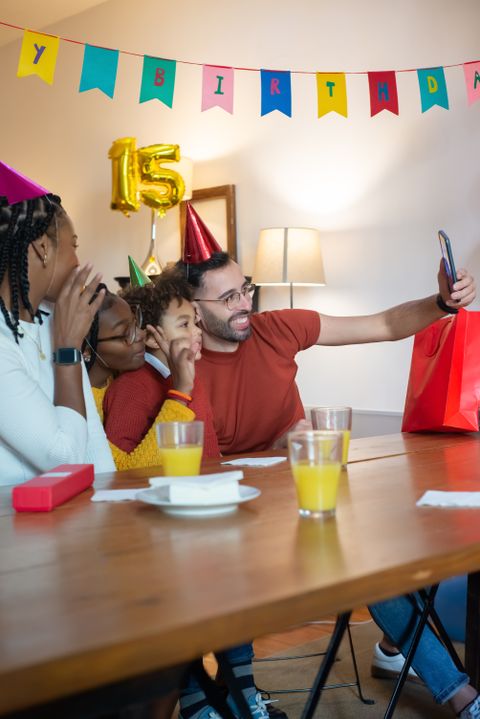
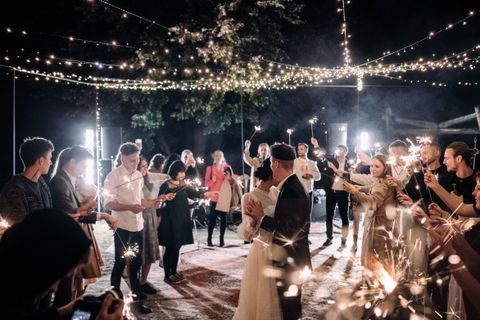
One QR code collects every guest's photos — weddings, parties, any event.
No apps. No chasing photos. Just a live gallery from everyone there.
One QR code collects every guest's photos — weddings, parties, any event.
No apps. No chasing photos. Just a live gallery from everyone there.
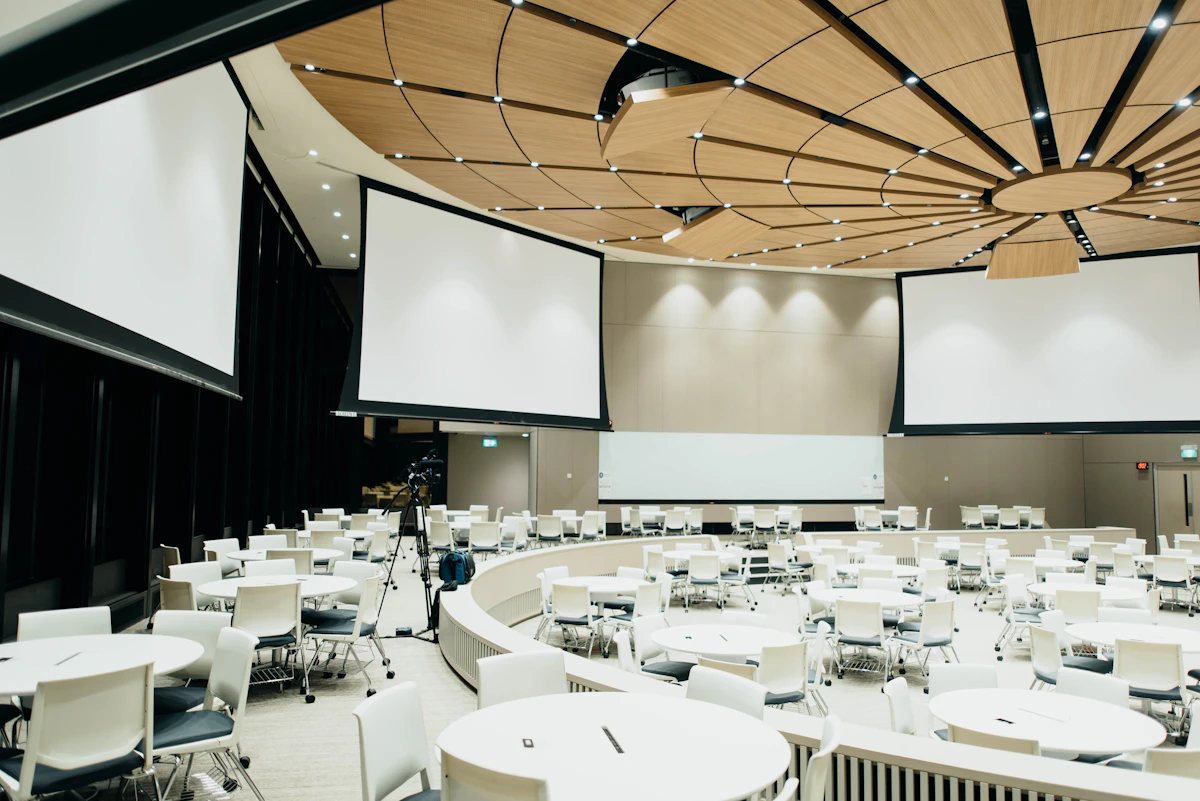
Put your QR code on cards, signage, or right on the big screen. Guests scan, upload, and watch their photos appear on the live wall.
Set up in minutes. Memories collected for years.
Set the date and details, then get a private QR code and link instantly.
Guests scan and upload in their browser, no app needed. Or use the FlashBulb Album app, which queues photos when signal is patchy.
Download your full gallery in high quality after the event.
A spinning wheel of photo prompts keeps guests engaged and ensures you collect every angle — from candid moments to the big group shots.
When your QR code is shared in a big crowd, uploads can come from anyone. FlashBulb uses AI moderation to help keep your gallery respectful, family-safe, and ready for projection screens.
Each photo is checked as it arrives, before it shows in the gallery or on the big screen. Pick Child friendly, General or Adults 18+ to suit your crowd.
The FlashBulb Album app sends you an alert when a photo is flagged. Approve it to put it on the wall, or delete it. Guests can report photos too, and two reports hide a photo until you review it.
Fundraisers, graduations, conferences and festivals: share the QR code as widely as you like, and moderation keeps the gallery fit for projection screens.
Everything you need to know before your big day.
No. Guests scan your event QR code and upload photos straight from their phone's browser, with nothing to install and no sign-up. Guests who prefer an app can use FlashBulb Album too. It is especially handy at venues with weak signal, because photos wait in an upload queue and send automatically once the connection comes back.
Create your event in the FlashBulb Album app, then print your QR code on table cards, signage or the order of service. Guests scan it and their photos land in your private live album straight away. You can also show the album on a screen during the day.
Every event starts free with up to 30 photos. To collect more, upgrade to the full album for a one-off £35: unlimited photos, kept for 12 months after your event.
Your album stays online for 12 months after the event. If you want it for longer, you can renew for another 12 months for £35. We recommend downloading your photos before the end of your album period.
Yes. Download your full gallery in high quality whenever you like, and share or save individual photos straight from the app.
AI moderation checks uploads before they appear in your album. You choose how strict it is: Child friendly, General, or Adults 18+. Anything flagged stays hidden until you review it, which makes FlashBulb a good fit for schools, fundraisers and other public events.
Not yet. FlashBulb is currently available for UK events and UK payments only.
It is the FlashBulb app for hosts and guests. Guests scan the QR code to join and share photos, and its offline upload queue means pictures taken where signal is poor upload automatically once the phone reconnects. Hosts also use it to create the event, share the QR code, review and download photos, change moderation settings, get an alert when a photo is flagged and spin the wheel for photo ideas during the party.
Still stuck? Email us at info@flashbulb.me